Grade 4–6Curriculum · Maths: number sense
Maths for ages 10–12 – exercises and worksheets with answers
Pick an area: decimals, fractions, percent, area, statistics or division. Solve on screen and check at once, or print the sheet with answers.
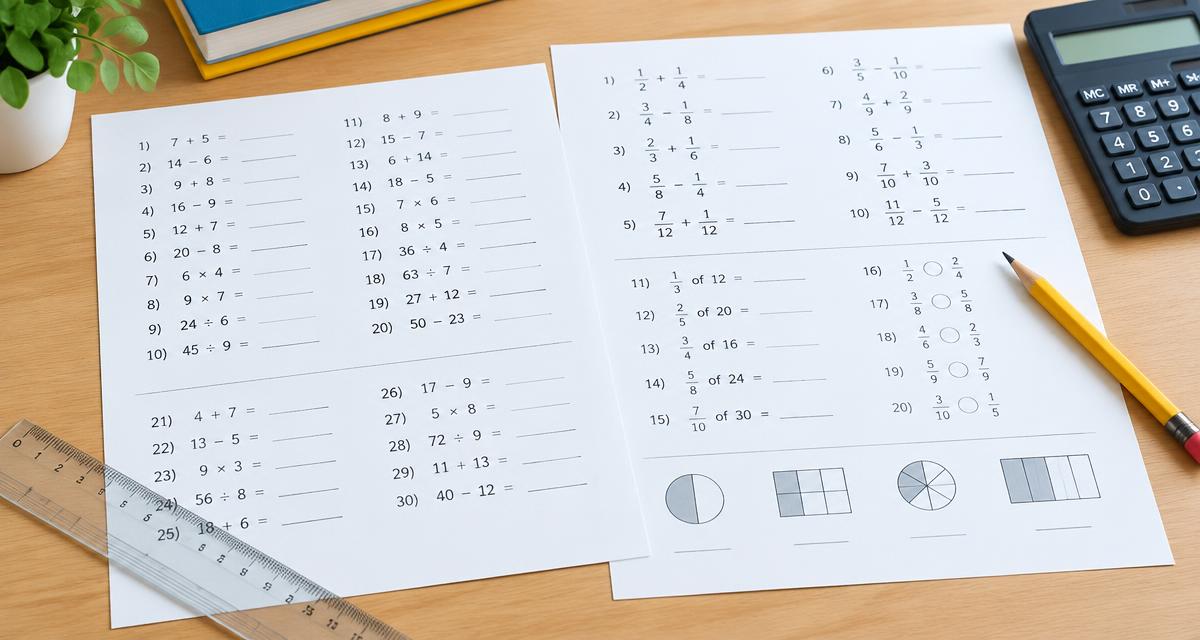
A ready worksheet is waiting below — print it as is or change the settings.
Practise on screen: Decimals
1. 5.1 − 3.2 =
2. 9 − 7.3 =
3. 7.3 − 5.2 =
4. 5.7 − 1.5 =
5. 9.4 − 5.8 =
6. 5.4 · 100 =
7. 8.1 · 10 =
8. 7.6 − 2.9 =
Decimals
Name: ____________________
- 1. 5.1 − 3.2 =
- 2. 9 − 7.3 =
- 3. 7.3 − 5.2 =
- 4. 5.7 − 1.5 =
- 5. 9.4 − 5.8 =
- 6. 5.4 · 100 =
- 7. 8.1 · 10 =
- 8. 7.6 − 2.9 =
Answer key: Decimals
- 1. 1.9
- 2. 1.7
- 3. 2.1
- 4. 4.2
- 5. 3.6
- 6. 540
- 7. 81
- 8. 4.7
Created with WorksheetMint
How to use the tool
- Choose an area and the number of questions.
- Answer on screen and press Check – or print the sheet.
- The answer key prints on its own page.
About this generator
Exercises cover decimals, fractions, percent, area and perimeter, averages and division with remainders. Each round gives new numbers, and the answer key is calculated by the same code as the questions.
Popular uses
- Independent practice
- Homework with answers
- Test revision
Plan a useful printable
Start with one clear learning goal and choose only the settings that support it. A short, focused sheet is often easier to explain, complete and review than a crowded page. The live preview makes it possible to check spacing, task count and difficulty before paper is used. Create another version when a class needs the same skill with different content.
Adapt it to the learner
Use fewer items, larger writing areas and familiar content for beginners. Increase the amount, range or complexity gradually for confident learners. Teachers can also combine the printable with oral instructions, pair work or a short follow-up discussion. Because every page is customizable, the same activity can support a warm-up, independent practice, homework or revision.
Print clearly and reuse
Choose A4 or US Letter to match the printer, then print at 100 percent whenever exact spacing matters. The PDF option uses the browser print dialog and creates a clean file for later use. Generated content is prepared in the browser, requires no pupil account and has no watermark. Review every sheet before sharing it, especially when you add your own words or text.
Frequently asked questions
- Are pupils’ answers saved?
- No. Answers stay on screen and disappear when the page is closed.
- Is the answer key correct?
- Yes, it is calculated by the same code that creates the questions.