Grade 4–6Curriculum · Maths: geometry
Unit Conversion Worksheets — Metric Units with Answers
Convert between metric units of length, mass and volume with new tasks every time.
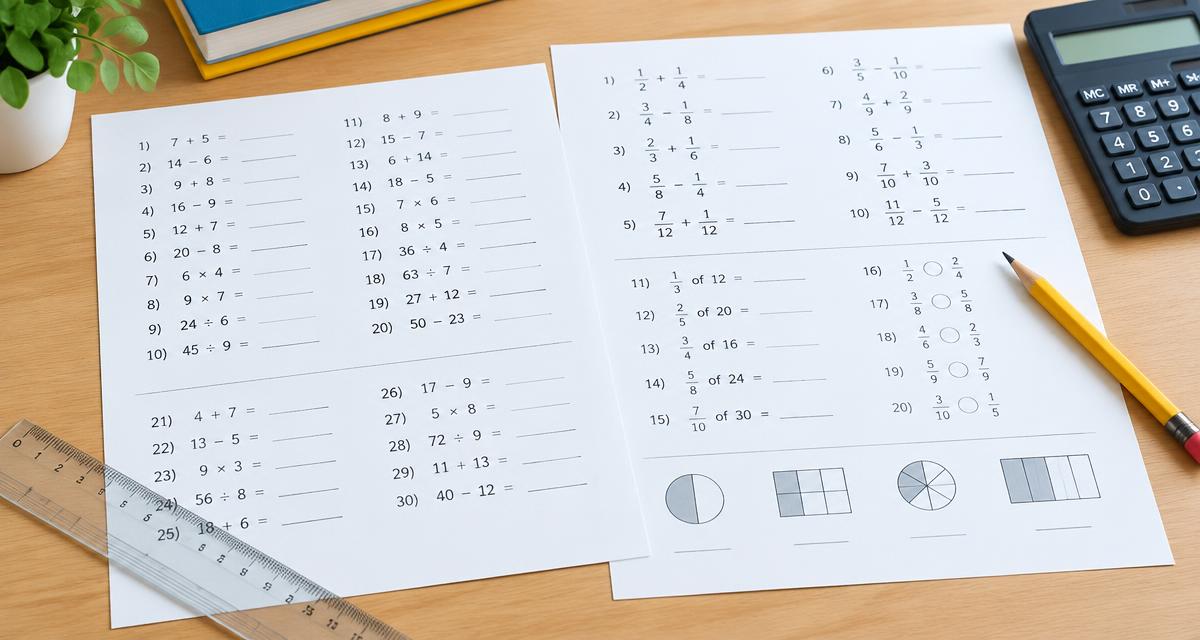
A ready worksheet is waiting below — print it as is or change the settings.
Unit conversion · 10-12 years
Name: ____________________2.Facts: A bottle holds 6 l of juice. Question: How many millilitres is that? Answer with the correct unit.
4.A bag of flour weighs 2 kg. How many grams is that?
6.A bag of flour weighs 5 kg. How many grams is that?
8.A bottle holds 2 l of juice. How many millilitres is that? Answer with the correct unit.
10.Facts: A bottle holds 2 l of juice. Question: How many millilitres is that? Answer with the correct unit.
12.A bag of flour weighs 7 kg. How many grams is that?
14.Facts: A bottle holds 7 l of juice. Question: How many millilitres is that?
16.A bottle holds 5 l of juice. How many millilitres is that? Answer with the correct unit.
18.Facts: A bag of flour weighs 8 kg. Question: How many grams is that? Show how you worked it out.
20.A walking trail is 2 km long. How many metres is that? Answer with the correct unit.
Answer key
- 1. 2 cm
- 2. 6000 ml
- 3. 3 km
- 4. 2000 g
- 5. 6 cm
- 6. 5000 g
- 7. 4 l
- 8. 2000 ml
- 9. 6000 m
- 10. 2000 ml
- 11. 5000 m
- 12. 7000 g
- 13. 80 mm
- 14. 7000 ml
- 15. 90 mm
- 16. 5000 ml
- 17. 9000 ml
- 18. 8000 g
- 19. 4000 ml
- 20. 2000 m
Created with WorksheetMint
How to use the tool
- Choose the exercise type unit conversion.
- Pick age group, difficulty and calculations, word problems or a mix.
- Print or save as PDF. “Create New Version” gives new numbers with a matching answer key.
About this generator
Converting units builds on place value: moving between mm, cm, m and km or g and kg means multiplying or dividing by 10, 100 or 1000. The easier level uses neighbouring units and whole numbers. Harder levels skip units and include decimals. Word problems use recipes, running tracks and parcels. The answer key is calculated by the website, so it always matches the tasks. No sign-up is needed and no personal data is collected.
Popular uses
- Length, mass and volume
- Place value with 10, 100, 1000
- Recipe and measurement problems
- Homework
Plan a useful printable
Start with one clear learning goal and choose only the settings that support it. A short, focused sheet is often easier to explain, complete and review than a crowded page. The live preview makes it possible to check spacing, task count and difficulty before paper is used. Create another version when a class needs the same skill with different content.
Adapt it to the learner
Use fewer items, larger writing areas and familiar content for beginners. Increase the amount, range or complexity gradually for confident learners. Teachers can also combine the printable with oral instructions, pair work or a short follow-up discussion. Because every page is customizable, the same activity can support a warm-up, independent practice, homework or revision.
Print clearly and reuse
Choose A4 or US Letter to match the printer, then print at 100 percent whenever exact spacing matters. The PDF option uses the browser print dialog and creates a clean file for later use. Generated content is prepared in the browser, requires no pupil account and has no watermark. Review every sheet before sharing it, especially when you add your own words or text.
More math worksheets by topic
- Percentage worksheets
- Fraction worksheets
- Equation worksheets
- Algebra worksheets
- Decimal worksheets
- Time worksheets
- Area and perimeter worksheets
- Statistics worksheets
- Division worksheets
- Subtraction worksheets
- Volume worksheets
- Mean and median worksheets
- Pythagorean theorem worksheets
- Linear function worksheets
- Proportion worksheets
- Interest worksheets
- Exponent and square root worksheets
- Systems of equations worksheets
- Mixed maths review (ages 14–16)
- Math worksheets grade 1
- Math worksheets grade 2
- Math worksheets grade 3
- Math worksheets ages 8–10 (grades 2–4)
- Math worksheets ages 10–12 (grades 4–6)
- Math worksheets ages 12–14 (grades 6–8)
- Math worksheets ages 14–16 (grades 8–10)
- Weekly math worksheet
Frequently asked questions
- How many cm are in a metre?
- 1 m = 100 cm = 1000 mm.
- How do I convert kg to g?
- Multiply by 1000: 2.5 kg = 2500 g.